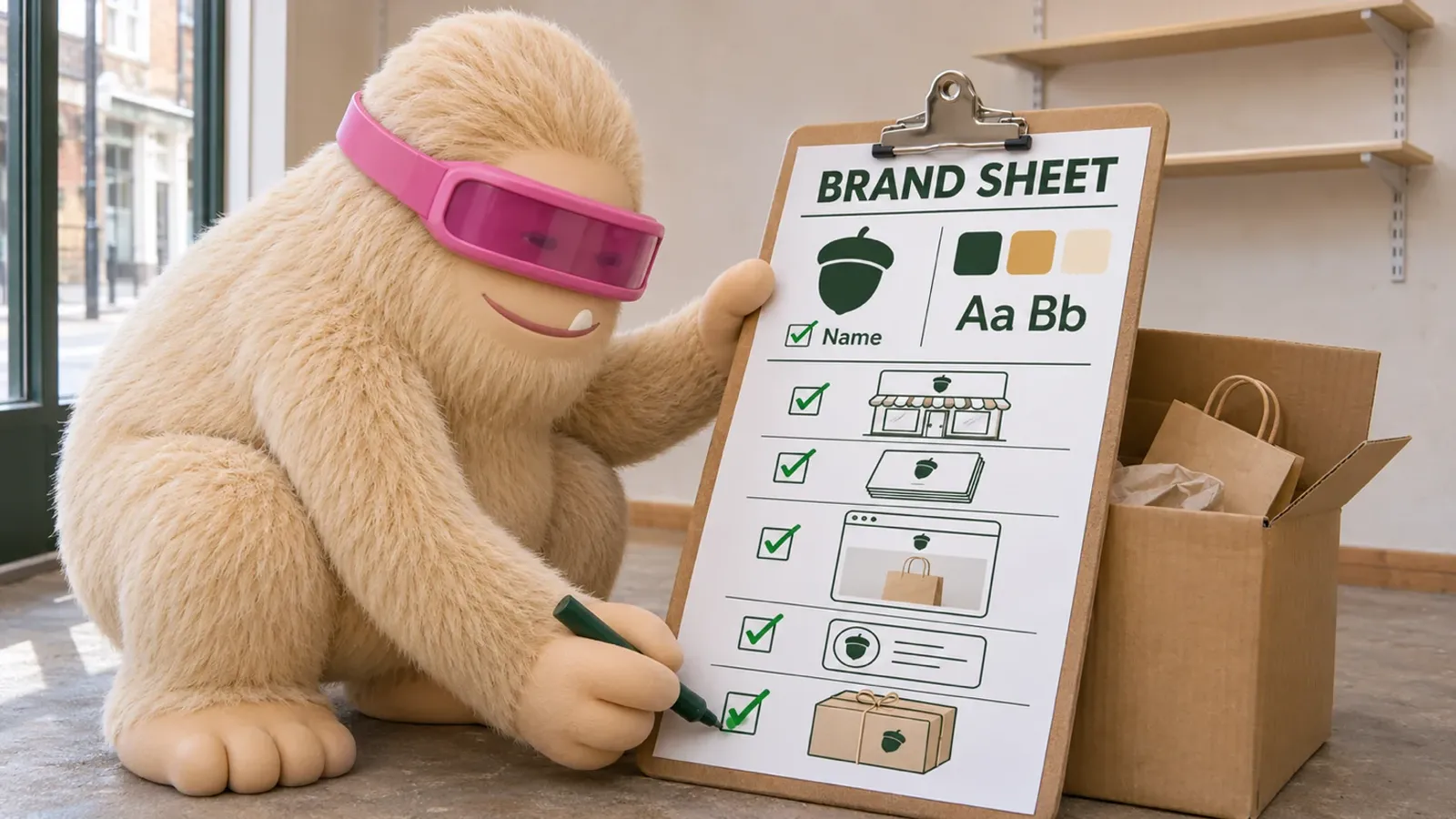



A brand kit is the set of files and quick rules you use every time you make something with your brand on it: your logo in the versions you need, your colors with exact codes, your fonts and a few usage rules. The sources we read agree on that core and differ on extras such as imagery, tone of voice and templates. Brand guidelines are the bigger document that also explains the thinking and the strategy behind those choices.
If you are starting from nothing, build the kit in this order: usable logo files first, then colors with hex codes, then fonts. The rest can wait. Below: each part, kit vs guidelines, a made-up example and what a Monstric kit contains today. We make Monstric, an AI branding studio, so we say which items are live.
The parts of a brand kit
Adobe lists "fonts, color codes, spacing requirements, and logos" as the building blocks of a brand kit, and says that "Brand kits are focused only on the visual assets of a brand" (Adobe). Miro defines a kit as "a centralised collection of the visual and tonal elements that define how a brand presents itself", and lists a logo suite (primary, secondary and monochrome variants), a colour palette with hex and RGB values, headline and body font pairings, imagery guidelines and tone-of-voice principles (Miro). Frontify, which sells a brand-management platform, says a kit usually includes logo variations, color palette, typography and imagery, and that some kits also hold approved templates for presentations, social posts or print (Frontify).
Putting those together, the parts are:
- Logo versions. A primary logo, a smaller icon-only mark, a one-color version, and light-background and dark-background versions.
- Color palette. Each color with its codes (hex for screens, RGB, and CMYK or Pantone for print). Frontify says to include Pantone, RGB and HEX codes.
- Typography. Usually a heading font and a body font, plus what to use when the font is unavailable.
- Imagery. Photo or illustration style (Miro and Frontify, not Adobe).
- Tone of voice. A short description of how the brand sounds (Miro, not Adobe).
- Templates. Starting files for things you make often (some Frontify kits).
- A few usage rules. Minimum logo size, space around the logo, what not to do to it.
Which part do you need first?
This order is our opinion, not a rule from the sources.
- Logo files you can actually use. A logo you cannot place on a dark photo or a one-color stamp costs you time every week. Get light, dark and icon-only versions as vector and PNG.
- Colors with codes. A few colors with hex codes, and a note on what each is for. Our guide to how many colors and fonts a brand should use covers how many. Without codes, every designer and tool will guess. No colors yet? Our free color palette generator suggests a palette with hex codes.
- Fonts. One for headings, one for text. Write down the names and where to get them.
- Two lines on voice. How you sound, and one thing you would never say. Add imagery rules once you have photos to judge.
- Templates and usage rules. Add them when you notice yourself rebuilding the same thing for the third time.
Brand kit vs brand guidelines in plain terms
Think of the kit as the toolbox and the guidelines as the manual that explains why each tool is there and when to use it.
- Miro says the difference is scope. A kit "focuses on the essential assets teams need to create on-brand materials day to day", while a brand guide "goes deeper into the strategic rationale behind each decision" (Miro).
- Adobe says "Brand guides can encompass strategies and tactics that shape all the ways in which a brand interacts with the public", and may include language about a brand's philosophy or mission. Kits, it says, are visual only (Adobe). The same page also calls a kit "the be-all and end-all documentation for what your brand is and what it isn't", so the line is loose even there.
- Frontify defines guidelines as "a documented set of standards that explain how a brand should be represented", organized around what a brand looks like, how it speaks and what it stands for. It credits a kit with "Simple logo, color, and font access" and warns of "Not enough depth for governance or complex brands" (Frontify).
- Mailchimp calls its version a style guide and lists a brand story, tone of voice, imagery and brand colors, logo guidelines and typography (Mailchimp). It also says to spell out proper logo uses, sizes, colors and variations.
The terms overlap, and several of these publishers sell design or brand-management software, so read their framing with that in mind.
For a small business: you need the kit on day one, because you use it constantly. You need the guidelines when other people (a freelancer, a printer, a new hire) start making things for you, and our one-page brand guidelines template is a small-business version. Frontify says "A PDF can work for a small team or a one-time handoff", but "PDFs age quickly" (Frontify).
Example (made up): a kit for a neighborhood laundromat
Everything below is invented, and we did not check whether "Tidepool Laundry" exists.
- Logo. Three versions: a horizontal wordmark for signs and the website, a stacked version for the window and the receipts, and an icon-only wave in a circle for the social profile picture and favicon. Each comes on light and dark, plus a single-color black version for stamps and bags. Why: the icon-only mark is the one that survives at small sizes.
- Colors. Deep teal
#0F5257(main: sign, headings), warm cream#FBF6EC(backgrounds), slate grey#5C6670(body text), coral#F26B5B(accent). Why: each color has one job. The rule "coral only for buttons and one highlight per page" keeps the accent meaning something. We did not test these combinations for text contrast. - Fonts. A rounded serif for headings and a plain sans for text. Why: two fonts are enough, and the note says what to fall back on in Google Docs or email, where the headline font may not exist.
- Voice. Three words: warm, plain, a little cheeky. Say "Your wash is done", not "Cycle complete." Why: a sample line teaches more than an adjective.
- Templates. An Instagram post, a price list and a flyer. Why: the owner makes these most.
- Rules. Keep the logo at least 24 pixels tall on screen; leave space around it equal to the height of the "T"; do not stretch or recolor it. Why: this is where the kit starts turning into guidelines.
It fits on one page.
What a Monstric kit contains today
We make Monstric, so this is our own product, described only as far as we verified it in the code on 2026-11-15. Downloading and exporting what you make needs a paid plan and a signed-in account. Our FAQ explains free use and billing.
Live now, in the downloadable zip:
- Logo: two versions, a primary logo with the wordmark and an icon-only mark. Each comes as PNG on a light and on a dark background, plus a transparent PNG and a vectorized SVG (the code adds the transparent and SVG files only when they were produced).
- Favicons in four sizes: 16, 32, 192 and 512.
- Colors with hex, RGB and CMYK values, as JSON and text files.
- Typography as JSON and text files.
- A README file, plus the source asset sheet the logos were cut from.
Partly live: a guidelines.html page (a one-pager you can open in a browser) is included only if it was generated for that brand.
Live in the app, but not as files in the zip: the tagline, the brand voice (a short summary of personality axes) and a short tone-of-voice line are part of the brand concept you see in the Monstric studio. The download has no voice file.
A mascot is optional: when you create a brand you choose logo only or a mascot. A human-designed mascot is a separate done-for-you service.
What we do not claim: this is not a full set of guidelines, and we do not guarantee that a name, logo or domain is unique or trademark-clear (the FAQ says to check before you register or file anything). Per the FAQ, after a paid purchase that includes downloadable assets you get a worldwide, perpetual, royalty-free license to use them for personal or commercial purposes.
For real examples, see the example brand boards. They are generated brand boards (logo, palette, type, sample layouts and, on some, a mascot in one image), not customer case studies, and they come without captions.
File formats and where to store the kit
TBH Creative says to use vector files for print and large-format projects and that raster files are generally fine for everyday digital use (TBH Creative). In practice:
- SVG (vector) is the usual web format. TBH Creative calls it "the go-to vector format for web use" but says it is not ideal for sharing with vendors who may not have software to open it. JustCreative adds that SVGs are lighter to download than PNG or JPG (JustCreative).
- PNG (raster) supports transparent backgrounds, which makes it the everyday choice for social profiles, email signatures and presentations. Do not enlarge it for big prints (our advice).
- EPS is what a sign shop, promotional products company or print vendor will typically request, according to TBH Creative. It also says a PDF can be either raster or vector depending on how it was saved, so confirm with your designer that yours is the vector version.
- AI is the native Adobe Illustrator format and the designer's master file (JustCreative: "the original, editable working file of the designer"). Keep it for edits.
For storage, our advice is simple: one shared folder that is the only place anyone looks. Put the logos in subfolders by version, add a short note with the color codes and font names, and put the date of the last change in the folder name. Frontify says that once guidelines serve multiple teams, markets, agencies or AI tools, "a digital platform is usually more effective" (a platform it sells), but for one person a shared folder is enough.
FAQ
Is a brand kit the same as a style guide?
Often the terms are used loosely. Mailchimp's "style guide" includes brand story, voice and logo rules, while Miro treats a style guide as the more comprehensive, strategic document. Check what a person means before you commission work.
Can I build the kit before I have a final name?
You can start on colors and a mood, but the logo needs the name. Settle the name first (our free name generator gives 24 ideas per round, though it does not check trademarks), then build the logo and the rest.
Who should own the master files?
You should. Ask whoever makes the logo for the vector master and source files in writing, and keep your own copy outside their account.
How often should I update the kit?
When something real changes, such as a new product line or a new logo version. Put a date on the folder and review it once a year.
Your next step
- Check that you have light, dark and icon-only logo versions, in SVG and PNG.
- Write down your colors with hex codes and what each is for.
- Name your heading and body fonts, and where to get them.
- Put it all in one dated folder.
- To see what a finished kit looks like, browse the example brand boards linked above, or try the studio if you want one generated. If you are a solo founder, Monstric for makers explains the fit, the about page says who builds it, and more guides are on the blog.
See what a brand kit looks like
Browse example brand boards made with Monstric: logos, palettes, type and more.
Sources
- Adobe, "Brand kit": https://www.adobe.com/creativecloud/business/teams/resources/how-to/brand-kit (no date on the page apart from a 2026 copyright footer; read 2026-11-15)
- Miro, "How to create a brand kit": https://miro.com/research-and-design/what-is-a-brand-kit/ (page says last updated June 15, 2026; read 2026-11-15)
- Frontify, "Brand kits": https://frontify.com/en/guide/brand-kits (page shows inconsistent dates, including Jan 9, 2026 as last updated; read 2026-11-15)
- Frontify, "Brand guidelines": https://frontify.com/en/guide/brand-guidelines (page shows inconsistent dates in 2024 and 2026; read 2026-11-15)
- Mailchimp, "Tips to create your brand's style guide": https://mailchimp.com/resources/tips-to-create-your-brands-style-guide (no date shown; read 2026-11-15)
- TBH Creative, "Logo file type formats guide": https://www.tbhcreative.com/blog/logo-file-type-formats-guide/ (written April 16, 2026; read 2026-11-15)
- JustCreative, "Logo design file formats guide": https://justcreative.com/2020/03/23/logo-design-file-formats-guide/ (byline dates May 5, 2022 and May 25, 2021, unlabelled; read 2026-11-15)
- Monstric product facts: verified in the Monstric code on 2026-11-15