



Branding a new business from scratch takes eight steps, done in order: pick one customer and a promise, choose three personality words, pick a name, make a logo, choose colors and fonts, write a few voice rules, apply it all where customers meet you, and put the result on one page. You do not need design skills, and you do not need a big guidelines document.
This guide walks through the steps with one worked example, then gives you a checklist to copy. Full disclosure: we make Monstric, a tool that builds names, logos and colors for new businesses. We mention it where it fits, but every step here works with a pencil and a free design tool.
What counts as "branding" for a new business
Shopify's guide to building a brand has seven steps: research your target market, set your voice and personality, choose a name, write your brand story, create a brand kit and style guide, design a logo, then apply and grow the brand. Our eight steps follow the same order, with two changes for people starting small. We drop the brand story (a two-sentence promise is enough for now) and we end with a one-page sheet instead of a full style guide.
The part that confuses people is the vocabulary, so settle it first.
Logo, brand kit and brand guidelines: three different things
- A logo is one asset: the mark or wordmark that identifies you.
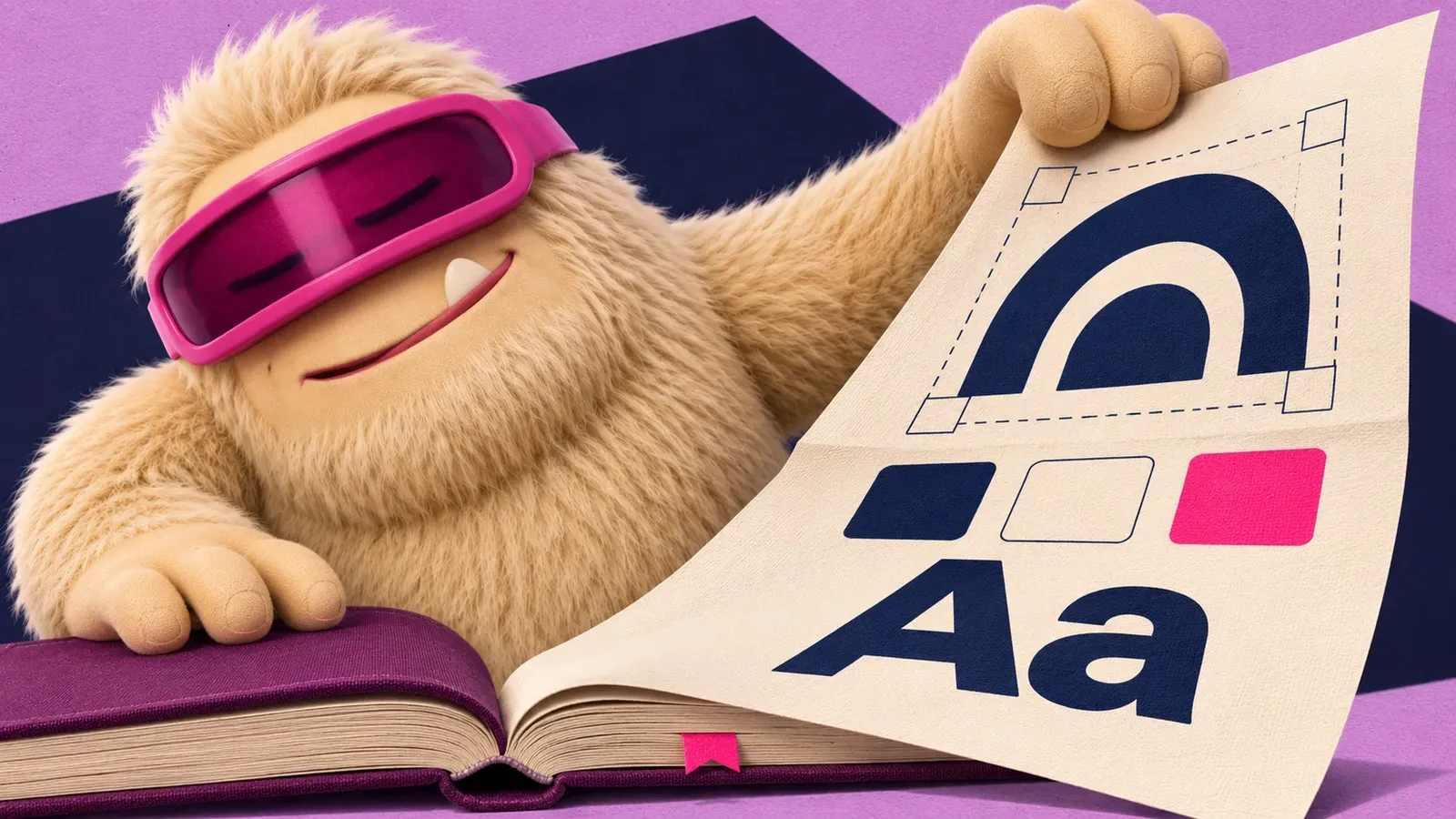
- A brand kit is the set of assets you pull from when you make something: logo files, colors, fonts, maybe an icon or a few images. Flipsnack's guide defines it as "a centralized collection of a company's core visual identity assets."
- Brand guidelines are the rules for using those assets. The same guide says, "Brand guidelines explain the rules governing those assets." It frames the kit as "What do I use?" and the guidelines as "How do I use it?"
Sources use these terms a little differently. Shopify, for example, puts "brand kit and style guide" in a single step. We use the Flipsnack split because it is easy to remember. A new business needs both, kept short: a few lines on color, fonts and voice fit on one page. To see finished kits, browse our examples page, which shows brand kits made with Monstric.
The eight steps
1. Pick one customer and write the promise
Shopify's first step is to research your target market before anything visual happens. It suggests talking to people in that market, looking at competitors' websites and social accounts, and noting your audience's pain points. Do a small version of that, then write two sentences:
- Customer: who, specifically, you serve.
- Promise: what changes for them because you exist.
Everything later is a test against these two sentences. If a color or a font does not suit that customer, drop it.
2. Choose three personality words
Shopify suggests narrowing a list of adjectives down to "just three of the best words." Three is enough to guide choices and few enough to remember. Pick words that rule things out. "Warm, plain, precise" tells you more than "professional," because almost any business could say that about itself.
3. Pick a name (and check it properly)
Choose a name that is easy to say, easy to spell and not so narrow that it boxes in what you might sell later. Shopify adds that a name should be "easy to remember and hard to imitate." It advises searching the USPTO trademark database to see whether your preferred name is already registered, and checking that social media handles are available.
The SBA separates the layers. A trademark can protect a name at the national level, and an entity (business) name protects it at the state level. Most states do not let you register a name that someone else has already registered. Your domain name does not need to match your legal business name. The SBA also warns that businesses in every state are subject to trademark infringement lawsuits, which "can prove costly."
This is not legal advice. Check your state's business registry (usually the Secretary of State) and the USPTO's trademark search yourself, and ask a professional if the stakes are high. Our free brand name checker opens the US, EU and UK trademark registers with your name already searched, and our guide to naming a business and checking availability walks through each check in order.
If you want help with ideas, our free business name generator gives you 24 names per round in four naming styles, and checks each one live for .com and other domain endings. It can confirm YouTube, TikTok and Pinterest handles automatically. It cannot confirm Instagram, Facebook or X, so check those by hand. A domain check is a lookup, not a registration, and none of our names are guaranteed to be unique, available or trademark-clear. See the FAQ. Once the name is settled, our free slogan generator drafts a short line to go with it.
4. Make or choose a logo
Shopify says a logo should be "unique, identifiable, and scalable so it works at all sizes." In a separate guide it says a simple logo is the most versatile. Start with a wordmark (your name in your chosen font) and, if you want one, a simple icon. Keep two versions: one for light backgrounds and one for dark.
A mascot is another option. It is not required, and many good brands do without one. If you are curious, see our mascot service and our post on how a character can help a young brand.
5. Pick two or three colors and two fonts
Choose one main color, one neutral background and, if you need it, one accent. Write down the hex code (the six-character code, like #1F4D3A) for each.
For fonts, Shopify's visual identity guide suggests fun fonts for headings and a simple complementary font for body text. It gives no fixed number of colors or fonts, and one of its examples uses three fonts. So "two or three colors and two fonts" is our own rule of thumb for keeping things consistent, not a research finding.
6. Write down your voice rules
Turn the three personality words into three or four rules you can follow when you write. Rules beat adjectives: "Short sentences. No jargon. Say the price." is something you can check a draft against. Add a short list of words you will never use.
7. Apply it where customers meet you
Shopify's last step is to apply the brand consistently, because customers should have a consistent experience wherever they meet you. Its advice includes using the same name, profile photo and bio on every platform.
List the places your customers actually see you: homepage, social profiles, email signature, invoices or receipts, packaging or signage, business card. Update those first.
8. Write it all on one page
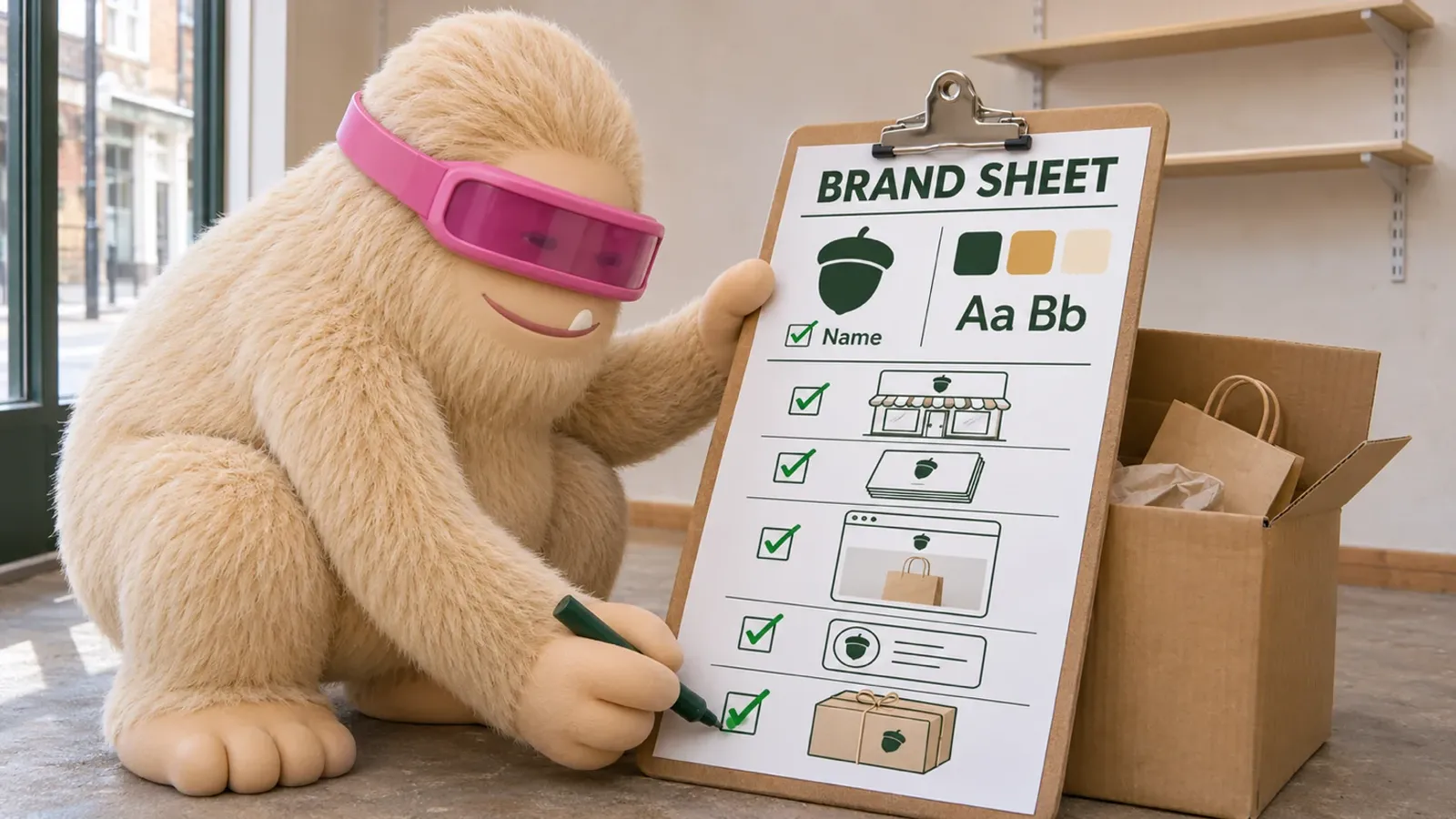
Put everything on a single page: customer and promise, three words, name, logo files, colors with hex codes, fonts and voice rules. That page is your kit and your guidelines at a size you will actually read. Share it with anyone who makes anything for you.
Example (made up): a one-person bookkeeping practice
This is an invented business, not a real client, and we did not check the name for availability. It shows what an answer can look like at each step.
- Customer and promise: Freelancers and tiny shops who dread tax season. "Your books are kept up to date, so tax season is no surprise."
- Three words: Calm, plain, exact.
- Name: Plainbooks.
- Logo: The word "Plainbooks" in a serif font, with a small open-book icon. A light version and a dark version.
- Colors: Deep green #1F4D3A as the main color, warm cream #F6F1E7 as the background, amber #E0A526 for buttons only.
- Fonts: A serif for headings and a clean sans-serif for body text.
- Voice rules: Short sentences. Name the deadline, not "soon." Say what it costs. Never use the word "synergy" or any word you would not say to a neighbor.
- Where it shows up: Homepage, invoice template, email signature, one social profile, a business card.
The hard part was choosing, not designing.
What you can skip at the start
- A long brand guidelines book. One page covers it until other people are making things for you.
- A brand story video or a manifesto. A two-sentence promise is enough.
- A big color palette, or more than two fonts.
- Every social platform. Claim your name on the ones your customers use.
- Rushing a trademark filing. Whether and when to file is a question for a professional. Searching first is still worth it, for the reason the SBA gives: infringement claims can be costly.
- Packaging and merchandise, until you actually sell physical goods.
How to check your result
Two quick tests.
The stranger test. Show your homepage to someone who does not know you, for a few seconds. Ask them to say what the business is and who it is for, in one sentence. If they cannot, your promise from step 1 is not showing up on the page, so fix the headline before touching the colors.
The repeat test. Open your homepage, one social profile, an invoice and your email signature side by side. Do the same colors and fonts repeat? Is the logo the same? Do the words sound the same? If one place looks like a different company, update it to match the page.
Copy-and-paste checklist
- I can describe my customer in one sentence.
- I wrote my promise in one sentence.
- I chose three personality words.
- I picked a name and checked the domain.
- I checked my state business registry and the USPTO trademark search (and asked a professional if needed).
- I checked the social handles I care about, including Instagram, Facebook and X by hand.
- I have a logo in a light version and a dark version.
- I chose two or three colors and saved the hex codes.
- I chose two fonts (headings and body).
- I wrote three or four voice rules and a few words to avoid.
- I updated my homepage.
- I updated my social profile images and bios.
- I updated my email signature.
- I updated my invoices or receipts.
- I updated signage, packaging or a business card, if I use them.
- I saved everything on one page and know where it lives.
- I ran the stranger test and the repeat test.
If you would rather not build it by hand
Monstric turns an idea into a name, a brand and a landing page. After you pick a name it designs a logo, colors and a website hero around it. Today the website flow asks you to pick a mood and sign in to generate the brand. You get one free website preview per account, and exporting or downloading needs a paid plan (details in the FAQ). You can open the Studio to try it. You will still want the one-page sheet to keep your own writing and invoices consistent.
FAQ
Do I need a logo before I launch?
No. A clean wordmark in your chosen font is enough to identify you. A drawn icon can come later.
Should my brand colors match my competitors?
Look at what competitors use, then avoid copying it. A common color is not wrong, but if every competitor uses the same blue, a different main color may help you stand out.
Can I change the brand later?
Yes. The one-page format makes it easy: change the page, then work through the places on your checklist. A name is the hardest thing to change, because it ends up in registrations, domains and profiles, so spend the most care there.
Start with a name
Describe your business and get 24 name ideas, checked live for an available domain. Free, no signup.
Sources
- Shopify, How To Build a Brand From Scratch, read 2026-11-15 (page shows last updated May 15, 2026).
- Shopify, Brand Identity Design: 8 Steps to Stand Out, read 2026-11-15 (published Feb 5, 2024).
- U.S. Small Business Administration, Choose your business name, read 2026-11-15.
- Flipsnack, How to build a brand kit (+ 8 real examples), read 2026-11-15 (updated Sep 9, 2026).